
Construction schedule forecasting
See where your schedule is heading.
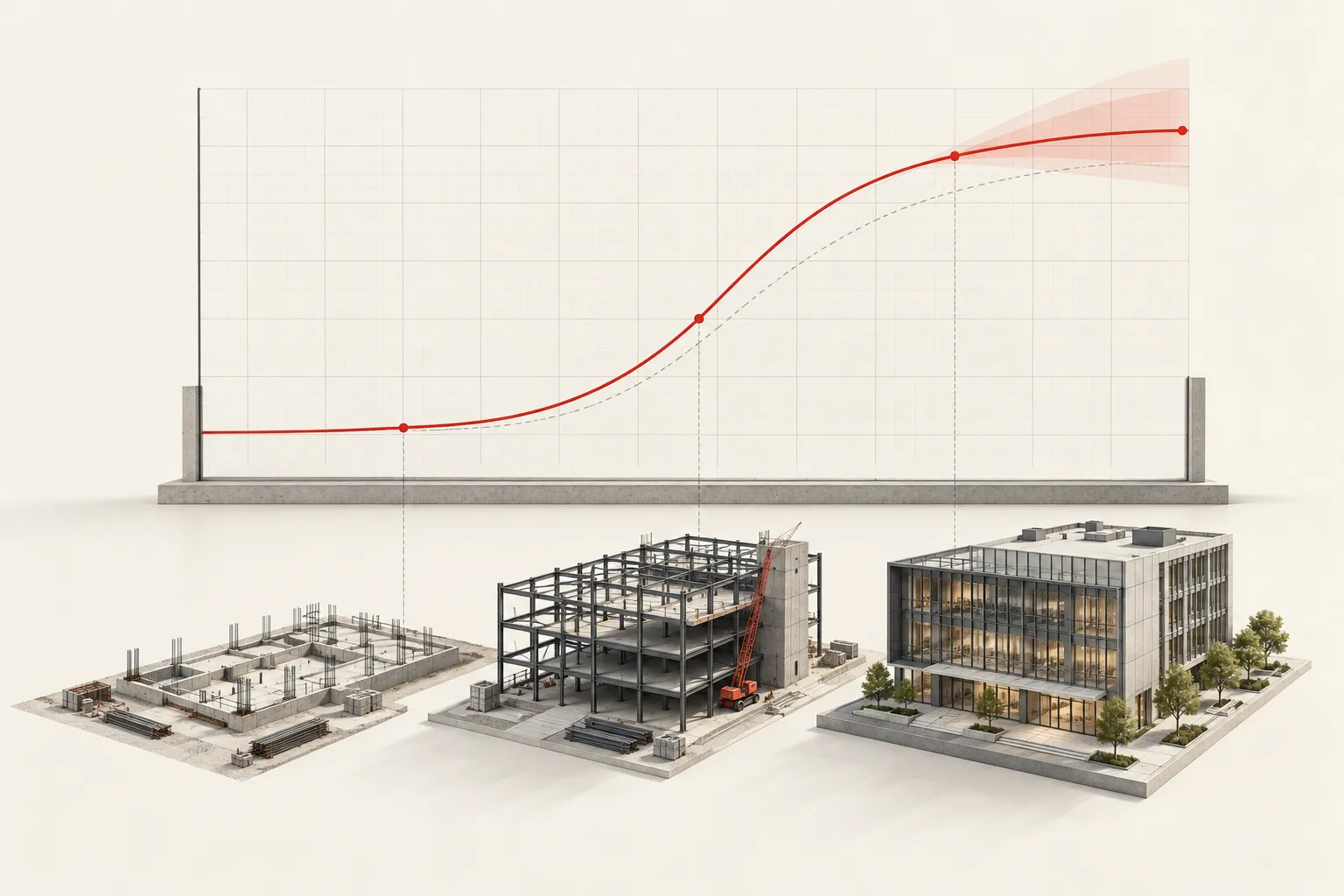
Model your planned trajectory. Put project progress in context.
01 /
Establish the baseline
Use the contracted cost and planned dates to model a project trajectory.
02 /
Track the progress
Choose Full Analysis when progress tracking is required.
03 /
Inform the conversation
Use the model alongside the project record to support clearer decisions.
How to use it
Start with the project facts.
Choose Quick Analysis for the optimal project trajectory or Full Analysis when progress tracking is required. Add the total contracted cost, first billed date, and planned end date, then analyze the project.
Trajectory / Interactive project model
B Team / 2026
Important notice
Planning support—not a guarantee.
Outputs are estimates based on the information entered and the model’s assumptions. They do not replace professional scheduling, cost, safety, engineering, legal, or contract review. Validate results against the project record before relying on them.
All solutions